

If your Google Business Profile has been suspended, you can appeal the decision through Google’s official appeals process if your case is eligible. Before submitting an appeal, review Google’s guidelines, correct any confirmed policy violations, and prepare evidence demonstrating that your business is legitimate and accurately represented.
A successful appeal depends on the circumstances of the suspension, the business’s eligibility, and the evidence available. There is no wording, document, or third-party service that can guarantee reinstatement.
This guide explains how to appeal a Google Business Profile suspension step by step, what documents to prepare, how to write a clear appeal explanation, and what to do after submitting your request.
What to Do Before Appealing a Google Business Profile Suspension
Before starting the appeal process, make sure you understand the decision and have reviewed your profile for potential compliance issues.
1. Review the Suspension Notice
Sign in to the Google Account associated with your Business Profile and review the available suspension information.
Open the official Google Business Profile Appeals Tool to identify the affected profile and review the available appeal options.
Depending on your case, the tool may display the date of the initial decision, the reason for the moderation action, a relevant policy reference, and whether the decision is eligible for appeal.
Read the information carefully before proceeding. If Google identifies a particular policy, review that requirement rather than making unrelated changes to your profile.
2. Check Your Profile Against Google’s Guidelines
Review the information associated with your business, including:
- Business name and real-world branding.
- Business address or service-area configuration.
- Business eligibility.
- Primary business category.
- Website and contact information.
- Duplicate listings and account restrictions, where relevant.
The objective is to identify whether the profile accurately represents an eligible business and complies with the applicable requirements.
If you are unsure why the suspension occurred, first investigate the possible causes in our guide to why your Google Business Profile was suspended.
3. Correct Confirmed Policy Violations
If your review identifies an actual problem, correct it before submitting your appeal.
For example, you may need to remove unsupported keywords from your business name, correct an ineligible address configuration, or resolve inaccurate business information.
Only make changes that reflect the business’s actual circumstances. Do not invent a new address, alter official documents, or make repeated profile edits simply to try to reverse the suspension.
If your profile already appears compliant, avoid unnecessary changes. Focus on collecting evidence that supports the information currently displayed.
What Documents Do You Need for a Google Business Profile Appeal?
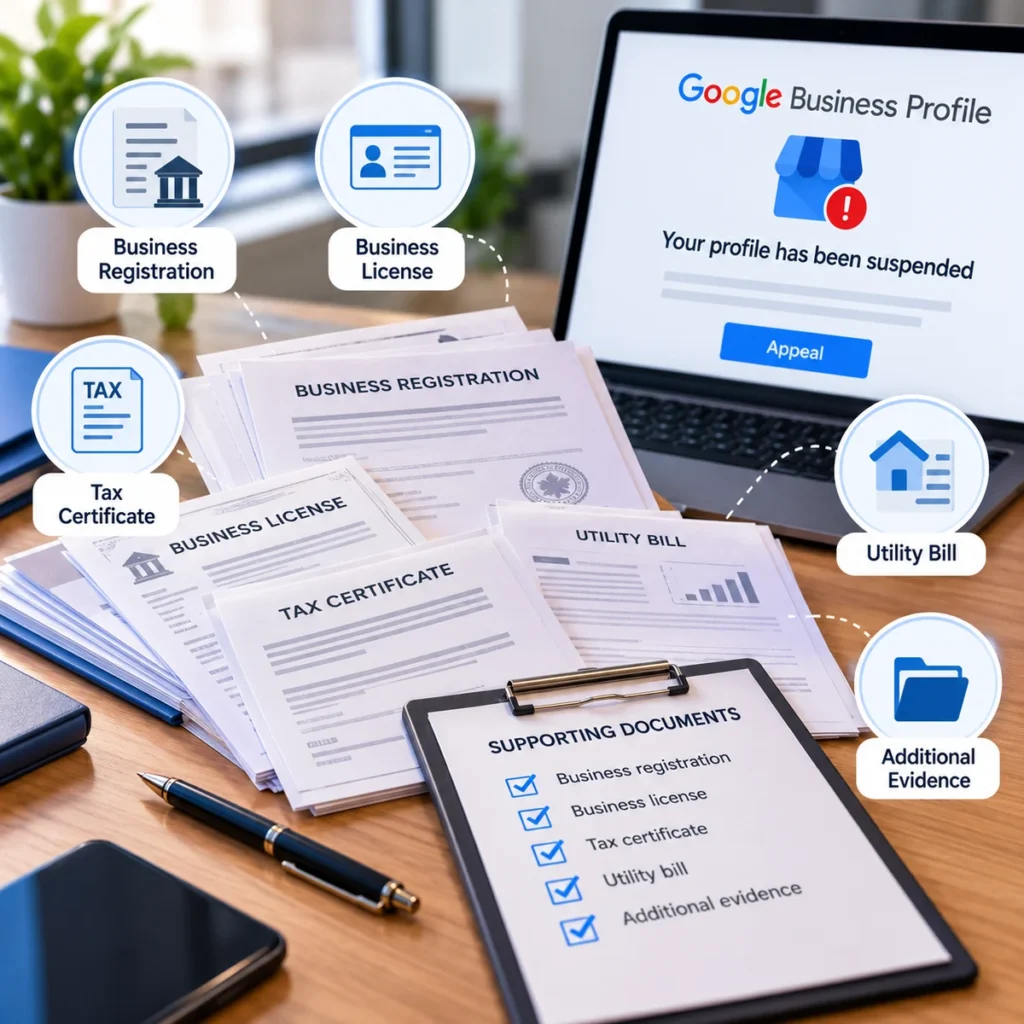
Supporting documents can help demonstrate that your business is legitimate, eligible, and accurately represented. The appropriate evidence depends on the reason for the suspension and the facts of your case.
Google identifies official business registration, business licenses, tax certificates, and utility bills as examples of documents that may support an appeal.
Evidence Checklist
| Document or evidence | What it may help establish |
|---|---|
| Official business registration | The identity and legal existence of the business |
| Business license | Authorization to conduct the relevant activity, where applicable |
| Tax certificate or official tax document | Business identity and associated details |
| Utility bill for the business | A connection between the business and its stated location |
| Lease or occupancy documentation, where relevant | Evidence concerning the business’s use of a location |
| Supporting records for a name change or relocation | The legitimacy of a change in business information |
These are examples rather than a universal list of mandatory documents. You do not necessarily need every item, and submitting documents does not guarantee reinstatement.
How to Prepare Your Supporting Documents
Before uploading any evidence:
- Gather documents directly relevant to the suspension issue.
- Check the business name and address on each document.
- Confirm that the documents relate to the business profile under appeal.
- Identify legitimate differences between the documents and the profile.
- Prepare a concise explanation of any relevant business changes.
- Make sure all files are complete, genuine, and readable.
For example, if your business recently moved, documents associated with the new location may help explain the change. If the business has changed its name, relevant registration or licensing records may help establish continuity.
Do not modify official documents to make them match your profile. Explain genuine discrepancies and provide appropriate supporting evidence instead.
What If Your Business Address Does Not Match Your Documents?
An address discrepancy should be investigated before you submit an appeal.
First, determine where the business actually operates and whether that location qualifies under Google’s requirements. Then review whether the profile displays the correct address or service-area configuration.
A discrepancy may result from a legitimate relocation, outdated documents, or an incorrect profile setting. However, if the business uses an ineligible location, additional documents alone may not resolve the problem.
Correct the underlying issue and provide evidence that accurately reflects the business’s actual operations.
How to Appeal a Google Business Profile Suspension Step by Step
Follow these steps to prepare and submit an appeal through Google’s official process.
Step 1: Sign In to the Correct Google Account
Open the Google Business Profile Appeals Tool and sign in with the account associated with the suspended profile.
If you manage multiple businesses, verify that you are using the correct account before proceeding. Selecting the wrong account can prevent you from identifying the relevant profile or decision.
Step 2: Select the Suspended Business Profile
Choose the profile you want to appeal and follow the instructions displayed in the tool.
If you manage several locations, confirm that you have selected the correct business. Do not assume that an appeal for one profile automatically covers every location.
Businesses managing multiple suspended profiles should check whether a separate or bulk reinstatement process applies to their situation.
Step 3: Review the Decision and Available Appeal Options
Read the information displayed for the selected profile.
Check the available policy references, the reason for the moderation action, and whether the decision can be appealed.
If Google identifies a specific issue, make sure you understand it before continuing. If the tool indicates that the decision cannot be appealed, review the available guidance rather than repeatedly submitting the same request.
Step 4: Review and Correct Your Business Information
Conduct a final review of the profile before submitting the appeal.
Check whether the business name, address, category, website, phone number, and other relevant details accurately represent the business.
Correct any confirmed policy violations. If you believe the profile already complies with the applicable requirements, prepare evidence that supports your position.
The goal is to establish why the business qualifies for a profile and why the information displayed is accurate.
Step 5: Prepare Your Evidence Before Opening the Submission Form
Collect the documents that directly address the issue.
For example:
- Business registration or licensing documents may support the business’s identity.
- Location-related documents may help establish a connection to the stated premises.
- Records of a legitimate relocation or rebranding may explain changes in business information.
- Additional operating evidence may help clarify the business’s actual activities, where relevant.
Review every file before proceeding. This is especially important if the appeals workflow provides a limited window for submitting supporting evidence.
Step 6: Submit the Appeal
Follow the prompts in the appeals tool and submit your request for review.
Depending on the workflow, Google may provide a linked form for submitting supporting evidence after the appeal is initiated.
Important: Google’s instructions specify that evidence submitted through the linked form must be submitted within 60 minutes of opening it for the evidence to be attached to the appeal. Prepare your documents in advance and follow the instructions shown in your case.
Your explanation should be factual, concise, and directly related to the suspension. Identify the relevant business details, explain any confirmed corrections, and provide evidence that supports your position.
Do not submit misleading information or claim that a policy issue has been resolved if it has not.
Step 7: Keep a Record of Your Submission
After submitting the appeal, retain copies of your explanation and supporting documents.
Monitor the associated email account and the appeals tool for updates. Avoid submitting repeated appeals for the same issue while the existing appeal is under review.
Google also advises against creating a new Business Profile for the same business while an appeal is being reviewed.
How to Write a Strong Google Business Profile Appeal
A useful appeal explanation should address the actual policy issue, explain the business’s circumstances, and identify the evidence supporting the request.
There is no special phrase that guarantees reinstatement. Clear facts and relevant documentation are more useful than an emotional or overly long explanation.
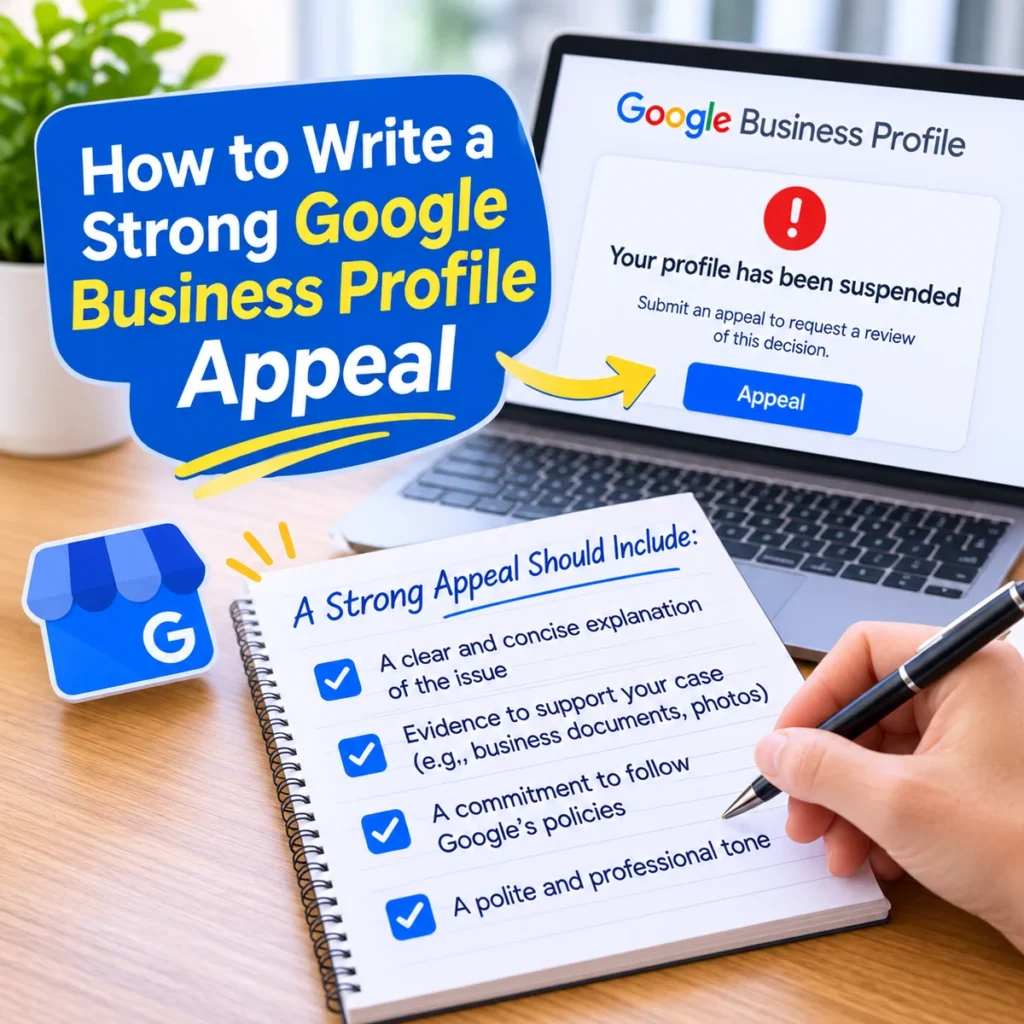
What to Include in Your Appeal
Organize your explanation around four main points:
- Business identity: Identify the business and the profile under review.
- Policy compliance: Explain how the business meets the relevant requirements or what confirmed issue has been corrected.
- Supporting evidence: Identify the documents submitted and what they establish.
- Request for review: Politely ask Google to review the evidence and reconsider the suspension.
Keep the explanation focused. Avoid unrelated background information, unsupported allegations, and repeated statements that the suspension is unfair.
Google Business Profile Appeal Letter Template
The following template is an illustrative example. Replace the bracketed details with accurate information and remove any statement you cannot substantiate.
Subject: Request for Review of Suspended Google Business Profile
Dear Google Business Profile Support Team,
I am requesting a review of the suspension of our Google Business Profile for [Business Name], located at [Business Address, if applicable].
Our business provides [brief description of the actual business and services]. We have reviewed the relevant Google Business Profile guidelines and examined the information associated with the suspended profile.
[Explain the specific policy issue identified in the notice, or explain why you believe the profile complies with the relevant requirements.]
To support this request, we have provided [identify the relevant registration, license, tax document, utility bill, or other genuine evidence]. These documents support [explain what the documents establish, such as business identity, location, or a legitimate business change].
We confirm that the information provided is accurate to the best of our knowledge. We respectfully request that Google review the profile and supporting evidence and reconsider the suspension.
Thank you for your time and consideration.
Sincerely,
[Your Name]
[Your Role]
[Business Name]
Use this template as a starting point rather than copying it without modification. Your explanation should reflect the actual circumstances of your business and the specific issue under review.
Common Mistakes That Can Weaken Your Appeal
Several avoidable mistakes can make an appeal less effective or leave the underlying issue unresolved.
| Mistake | Why it matters | Better approach |
|---|---|---|
| Submitting an appeal without reviewing the policy | The explanation may not address the actual issue | Identify the relevant requirement first |
| Providing inconsistent documents | The evidence may not clearly establish the business’s identity or location | Check names, addresses, and dates before submission |
| Making unsupported claims | Assertions without evidence may not resolve eligibility concerns | Use verifiable facts and relevant documents |
| Making unnecessary profile changes | Additional changes can create further inconsistencies | Correct only confirmed issues |
| Creating another profile for the same business | This does not resolve the original suspension and conflicts with Google’s guidance during appeal review | Use the existing profile and follow the official process |
| Submitting repeated appeals while one is pending | Repeated submissions do not automatically improve the case | Wait for the decision and follow the available next steps |
| Expecting guaranteed reinstatement | Google retains control over the decision | Prepare a factual appeal and understand its limitations |
What Happens After You Submit Your Appeal?
After submission, Google reviews the appeal and communicates its decision through the official process.
Your next step depends on the status displayed for the relevant profile.
| Status or outcome | Recommended action |
|---|---|
| Appeal submitted | Monitor the appeals tool and associated email account |
| Appeal approved | Review Google’s decision and check the profile’s status |
| Appeal denied | Read the decision and determine whether an additional review is available |
| Decision cannot be appealed | Review the stated restrictions and any available next steps |
| Additional review available | Check the requirements and prepare relevant evidence before proceeding |
The available options can vary by case. Always follow the instructions displayed for your particular decision.
How to Check Your Appeal Status
- Sign in to the Google Account associated with the appeal.
- Open the Google Business Profile Appeals Tool.
- Select the profile involved in the appeal.
- Review the status displayed in the tool.
- Check your email for Google’s decision or further instructions.
If you manage multiple profiles, verify which location the status refers to before making any changes.
How Long Does a Google Business Profile Appeal Take?
There is no universal processing time that can be guaranteed for every suspension appeal.
Google’s published guidance for certain content and profile-restriction appeals states that review can take up to five business days. This should not be interpreted as a guaranteed deadline for every suspension or reinstatement case.
Follow the instructions in the relevant workflow and monitor your appeal status. Avoid submitting another appeal simply because you have not received an immediate response.
What If Your Google Business Profile Appeal Is Denied?
A denied appeal does not necessarily mean that no further review option exists. However, the next step depends on the decision and the options Google makes available.
Start by reviewing the outcome and identifying whether the original issue remains unresolved.
Ask yourself:
- Did the appeal address the relevant policy?
- Did the evidence support the business’s eligibility?
- Were discrepancies between the profile and documents explained?
- Was an account-level restriction involved?
- Does Google provide an option for an additional review?
If another review is available, follow the official instructions and submit relevant information that addresses the unresolved issue.
Do not repeatedly submit the same appeal without understanding the reason for the decision or identifying evidence that could materially clarify the case.
What If Your Google Account Is Restricted?
In some cases, the issue affects the Google Account managing the profile rather than only the individual Business Profile.
An account-level restriction may affect profiles managed by that account and limit the ability to create or claim other profiles.
If the available notice indicates an account restriction, address it through the appropriate Google process. An appeal directed only at the Business Profile may not resolve a separate restriction affecting the managing account.
Check the restriction notice and follow the instructions provided for that specific issue.
When Should You Seek Professional Assistance?
Professional assistance may be useful when the suspension involves multiple locations, conflicting business records, a complicated address arrangement, an account-level restriction, or an unsuccessful appeal.
A specialist can help review the profile against Google’s guidelines, identify potential compliance issues, organize supporting documents, and prepare a clear explanation of the business’s eligibility.
Before hiring a provider, ask what they will review, what evidence they require, how they handle account access, and what happens if Google does not approve the appeal.
Be cautious of anyone promising guaranteed reinstatement or claiming special access to Google’s internal systems.
MapRepute provides independent Google Business Profile support, including suspension troubleshooting and reinstatement assistance. The appropriate scope of support depends on the circumstances, and Google retains control over the final decision.
If you need help assessing a suspended profile, you can visit MapRepute to learn more about the available services and request an initial assessment.
Frequently Asked Questions
Can I appeal a suspended Google Business Profile myself?
Yes. If the decision is eligible for appeal, you can use Google’s official appeals tool, review the relevant policies, and submit supporting evidence. You do not need to hire a third party to access the official process.
What documents should I submit with my appeal?
Depending on your situation, relevant documents may include official business registration, a business license, tax certificates, or utility bills associated with the business. Choose evidence that directly supports the issue under review.
Can I submit another appeal if my first appeal is denied?
An additional review may be available for certain denied reinstatement requests. Check the options displayed for your case rather than assuming that another appeal is always possible.
Should I create a new Business Profile while appealing?
No. Google advises against creating a new Business Profile for the same business while an appeal is under review.
How can I confirm that Google received my appeal?
Open the appeals tool using the associated Google Account, select the relevant profile, and review its displayed status. Monitor your email for Google’s decision or further instructions.
Can a professional guarantee that my profile will be reinstated?
No. A professional can help review the case, organize evidence, and prepare an appeal, but Google makes the final decision.
Conclusion
Appealing a suspended Google Business Profile requires a clear understanding of the decision, accurate business information, relevant supporting documents, and careful use of Google’s official process.
Review the applicable guidelines, correct confirmed policy violations, prepare genuine evidence, and explain why the business should be eligible for reinstatement. After submitting your appeal, monitor its status and follow the instructions for your specific case.
If the situation is complicated or the reason for the suspension remains unclear, a structured review can help identify the appropriate next step. However, reinstatement is never guaranteed, and Google retains final control over the outcome.
